

Take work off your team
Daily backup management and checks move to us.







We back up your servers, VMs and databases to our Dutch data centre. Every recovery point is locked as soon as it is written. Our engineers watch the jobs and do the restores.
That is why every protected system is booted from its latest restore point every week, and checked until a real service answers.
Recovery you can proveEvery backup we run lands in our own Dutch data centre and is locked as soon as it is written.
Our software reads the changed blocks of your servers, VMs and databases, encrypts them and sends them to our data centre. SQL Server gets an application-consistent snapshot, so the database is usable after a restore.
Each recovery point is stored on our own storage (Ceph) and locked for the retention period you choose. Nobody can change or delete it before that date, not even with a stolen admin password. The only exception is a signed request from you, carried out by two of our engineers on site.
In a 2024 Sophos survey, attackers tried to compromise the backups in 94% of ransomware attacks. Here every delete, overwrite or retention change is refused, and our on-call engineer gets an alert. Removing protected data early needs a signed request and two of our engineers physically in the data centre.
We pick a clean recovery point with you and restore it, while the original stays locked. Afterwards we compare checksums of the restored files with the backup, so you know exactly what came back.
Even if your production servers are encrypted, your recovery points are still there and nobody can remove them. Our team runs the backups and the restores.
Example environment. Which workloads we back up, how often and for how long is set per customer.
We connect to your hypervisor, or place a small agent on the server. The agent also works for VMs in Azure, AWS or at a VPS provider.
Hyper-V, VMware · Windows and Linux · physical and virtualEncrypted to our data centre in the Netherlands, and to the local backup server first if you have one.
encrypted on the wayEvery night, or more often, we copy only the changed blocks. Databases such as SQL Server get a consistent snapshot.
incremental · deduplicatedEvery recovery point is locked as soon as it is written. Each morning our engineers check the jobs and fix what failed.
immutable · monitored dailyOne file, a database or a whole server, back in place or on new hardware. We compare checksums afterwards.
integrity check after every restoreWhat you notice: Backups run at night. You get a report, and you only hear from us when something needs your attention.
Environments change, disks fill up, people leave. Someone has to notice the failed job on Tuesday before you need that backup on Friday.
Daily backup management and checks move to us.
A locked copy in our own data centre, out of reach of anyone in your network.
We agree retention, restore expectations and dependencies, so the data you get back is actually usable.
Backup gives you recovery points. Disaster recovery adds the environment, capacity and plan to keep working during an outage.
Disaster recoveryTechnical papers
Short papers in English for engineers who read the details: how it works and what we measured on our own platform.
All technical papers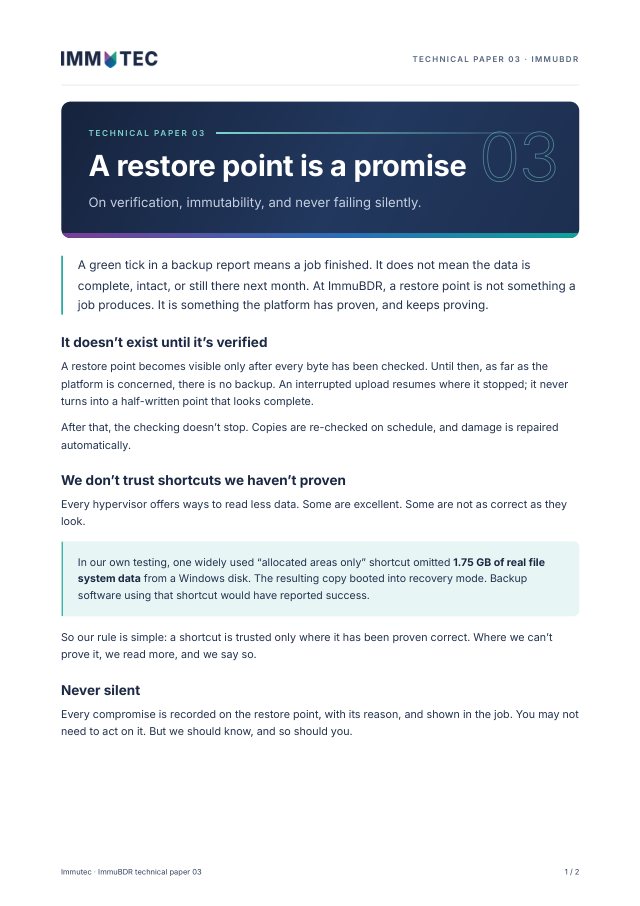
Technical paper 03 · Backup integrity
A restore point exists only after every byte is verified. Time-locked storage that nobody can release early, and no silent fallbacks.
Download PDF2 pages · 193 KB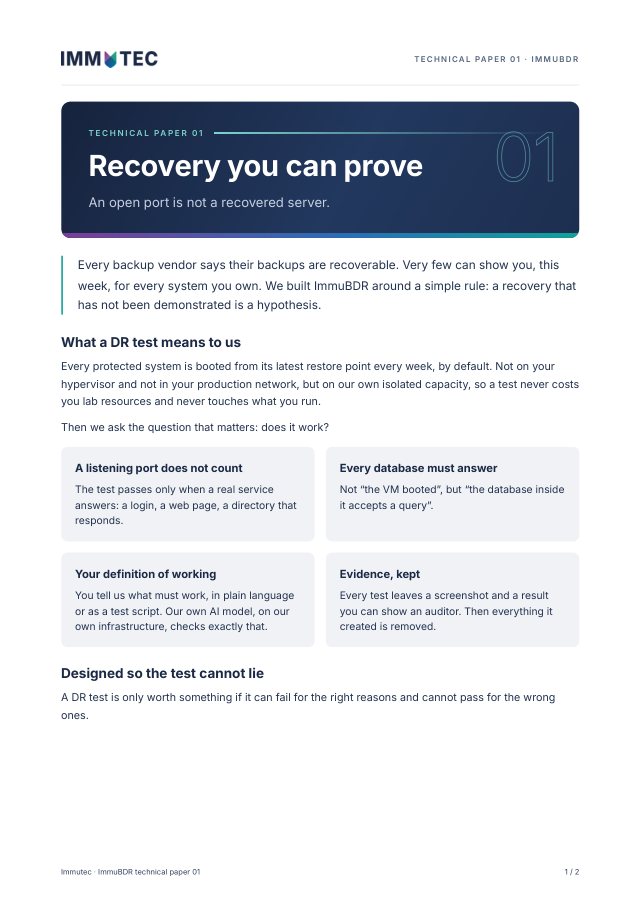
Technical paper 01 · DR testing
Every system, booted and tested every week. A test only passes when a real service answers, and every database responds.
Download PDF2 pages · 202 KBEven after ransomware your recovery points are still there, and you get reports you can show your board and auditor.
Deliver it under your own name. We do the daily management and the restores.

“Simplicity, ease of use and maximum security. No risk of data loss in a hack.”

Something else? Call us on +31 (0)85 482 3400.
Yes, a local copy can be added. The independent, locked copy stays in our data centre.
No. DR, compute capacity, network continuity and failback are a separate part of the service. We agree what is included.
Based on how much data you can afford to lose, what each workload needs and how far back you want to be able to go.
Which servers, VMs and databases, and how long you keep backups today. We’ll come back with a proposal and the questions we still have.