

Hidden dependencies
We map which servers talk to each other and plan the waves around that, so an application moves as a whole.






From VMware to HPE Morpheus, from physical hardware to Hyper-V, or VMs out of Azure, AWS or a VPS. We copy your servers with our backup technology, prepare them for the new platform, test them and switch over in a maintenance window. Where possible we take over settings such as IP and MAC addresses, so the switch goes more smoothly. Until you sign off, the way back stays open.

Where possible we keep the MAC addresses, the VLANs and the settings, so your users notice as little as possible.
We migrate the same way we recover: from backups. Your current environment keeps running until the moment of switching, and stays available as a way back. VMware to HPE Morpheus is a common route, but the method is the same for every combination.
We list your VMs and work out what depends on what. A database goes after the domain controller it needs, an application after its database. That gives you a few waves you can schedule, instead of one big bang.
We make a full backup of each wave to our data centre while the current VMs keep running. The recovery points are locked straight away, so from this moment you also have an extra, immutable safety net.
We prepare every VM for the new platform: disks in the right format, the old guest tools out and the right drivers in. Then the VMs boot in an isolated test network and we check logons, the ERP and file shares with you.
In an agreed maintenance window we sync only the blocks that changed since the full copy, shut down the old VMs and start them on the new platform. Settings such as IP addresses, MAC addresses and VLANs come along where possible, so the switch stays smooth for users.
The source environment stays untouched and the recovery points stay locked. If something turns up in the first days, we can go back. Only when you sign off do we plan the next wave or clean up the old environment.
You change platform on your own schedule, in small steps, with a tested way back at every stage. The same team that runs your backups does the migration.
Example migration. Downtime per wave depends on data change rate, number of VMs, dependencies and checks. We confirm the source and target platforms and versions before we start.
Which servers, how they depend on each other and in which waves they move.
dependencies · wave planThrough the hypervisor or with an agent on the server we make a full copy. That also works for VMs in Azure, AWS or at a VPS provider, Windows and Linux.
your servers keep runningEach server gets what the new platform needs: disk layout, drivers and guest tools. Then it starts in an isolated test network first.
test boot before the switchIn the maintenance window we sync only the last changes and start the servers on the new platform.
short planned stop per waveUntil you sign off, the source stays in place. After that, backups can continue on the new platform.
a way back until sign-offWhat you notice: Because settings come along where possible, your users have little to adjust. The switch happens in a maintenance window you choose.
Copying the servers is rarely the problem. The trouble is in dependencies nobody wrote down, downtime that runs longer than planned, and having no way back.
We map which servers talk to each other and plan the waves around that, so an application moves as a whole.
We copy in advance and only sync the last changes at the switch. Per wave that is usually a short maintenance window.
Your current environment stays untouched until you sign off, and the recovery points are immutable.
VMware, Hyper-V, Proxmox, Nutanix, HPE Morpheus VM Essentials and physical servers. We confirm the combination per project.
Every server gets what the new platform needs: the right disk layout, the right drivers and the right guest tools.
Where possible we take over IP addresses, MAC addresses and VLANs, so clients, printers and integrations need as few changes as possible.
Every server is started and checked in a separate test network before the real switch.
We group servers by application and dependency and agree a maintenance window per wave.
After the move we can keep backing up on the new platform, with the same immutable protection.
Licence changes, hardware at the end of its life, or simply a better fit. Since Broadcom took over VMware, for example, licences have become a lot more expensive for many organisations, and HPE Morpheus VM Essentials has become a popular alternative.
Changing platform sounds like a big project. For us it is mostly what we already do every day: take a server from a backup and start it somewhere else, with its settings carried over. Which platform it came from and where it goes matters surprisingly little.
Your current environment keeps running while we copy, prepare and test. Nothing is switched off until you say so.
Every server boots on the new platform in an isolated test network first, so your application owners can check it.
At the switch we only sync the blocks that changed since the last copy. How long it takes depends on the size and number of changes.
The source and the immutable recovery points remain. If something is wrong, we go back.
VMware vSphereMicrosoft Hyper-VProxmoxNutanix Physical serversAzure VMsAWS EC2 and VPSHPE Morpheus VM EssentialsMicrosoft Hyper-VProxmoxNutanixVMware vSphere
Servers, dependencies, licences and migration waves.
Full backup to Immutec, the source keeps running.
Servers made ready for the new platform and tested in isolation.
Final sync, settings carried over, users back to work.
If you want, backups continue on the new platform.
We confirm the source and target platforms, versions, operating systems and applications before the project starts. Product names and logos belong to their respective owners.
Technical papers
Short papers in English for engineers who read the details: how it works and what we measured on our own platform.
All technical papers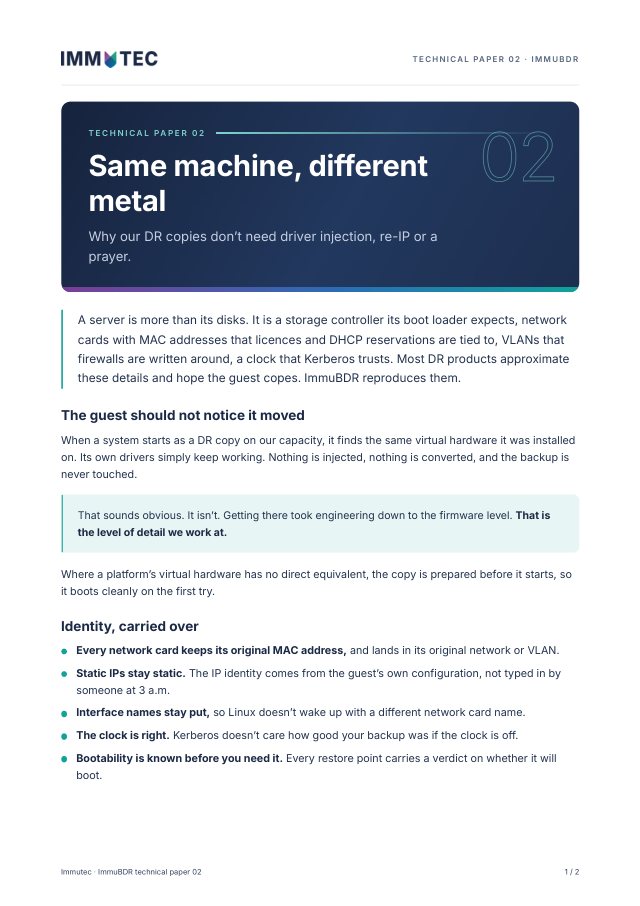
Technical paper 02 · Disaster recovery
Same virtual hardware, same MAC addresses, same VLANs, same clock. Why our DR copies boot without driver injection or re-IP.
Download PDF2 pages · 199 KB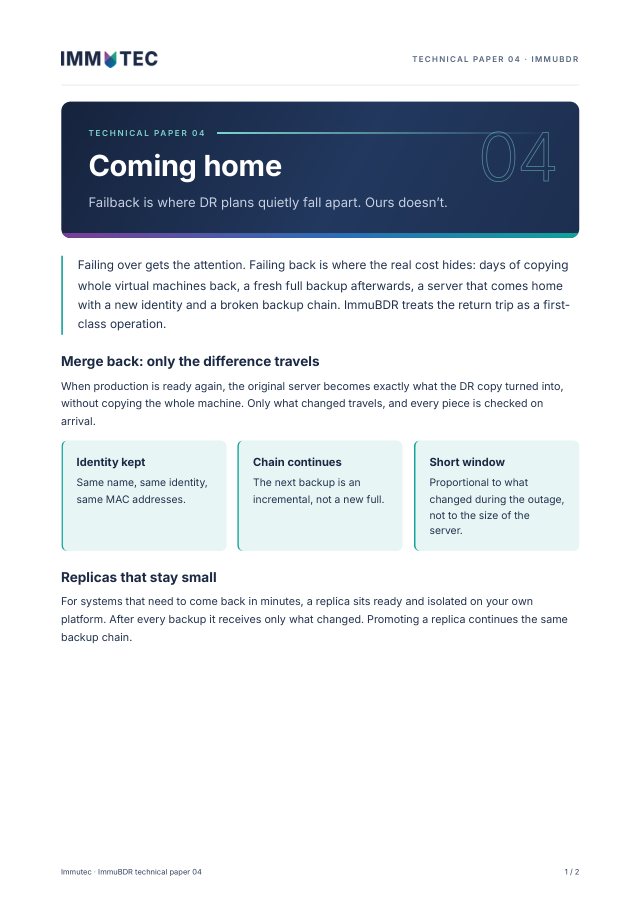
Technical paper 04 · Failback
Failback that sends back only what changed. The original keeps its identity and its backup chain.
Download PDF2 pages · 179 KBLeave a platform or licence model behind on your own schedule, with short maintenance windows and a way back.
We carry out the migration, you stay in charge of the client.
Something else? Call us on +31 (0)85 482 3400.
A separate project with a clear start and end. You don’t need a backup contract for it, although many customers keep the backups running with us afterwards.
That depends on the size of the servers and how much changes between the last copy and the switch. Per wave it is usually a short maintenance window. We measure the real time in the test round first, so you plan with your own numbers.
In principle from any platform to any other: VMware, Hyper-V, Proxmox, Nutanix, HPE Morpheus VM Essentials and physical servers. We confirm the exact combination and versions before we start.
Until you sign off, the source stays intact. We can switch back while we solve the problem.
Which platform you are on, where you want to go and roughly how many servers. We’ll plan the waves and the test round with you.