Look back through history
Old backups are scanned again as new malware indicators become known.






Ransomware often sits in your network for days or weeks before it encrypts anything. We use your backup history as a timeline to see when it got in, which recovery points are affected and what is safe to restore.
Cyber recovery works on top of our Managed backup of your servers.

As soon as a restore point looks suspicious, we hold on to the last clean one, so retention can never remove it.
Attackers tend to sit in a network for days before they encrypt anything. We use your backup history to find out when they arrived, so you restore from a point that is actually clean.
Threat indicators are published every day. When a new one comes in, we check every recovery point you still have, including last week's, because yesterday's clean result was based on yesterday's knowledge.
The matching runs against our index of your backups, on our own infrastructure, so your production servers carry no extra load. Here the loader turns up in every point from 17 October onwards.
On 20 October at 03:14 more than eighteen thousand files were rewritten and their entropy jumped: the typical signature of encryption. Together with the first match, that gives a timeline: dormant from 17 October, active from the 20th.
We start the server as it was on 16 October in an isolated sandbox, with no network connection. No loader, no scheduled task, no calls home. Now we know this point can be trusted.
The server comes back from 16 October. Work saved after that date can be added back selectively, and every flagged file stays out of the restore. Your incident lead gives the go.
You don't restore the attacker along with your data. The choice of recovery point rests on what we found in the backups, and that saves a second outage.
Example incident. No scan can prove a system is free of every threat. Containment and remediation stay with your incident response team; we deliver the recovery side.
You call us, or we see unusual changes in your backups.
change analysisWe scan older recovery points again with the latest threat indicators, on our own systems.
no load on productionWhere needed, we start old versions of a server in isolation to see when it started.
isolated environment, no networkTogether we pick the last clean recovery point. Infected files stay out.
flagged files and pointsWe restore, check the result with checksums and work alongside your incident response team.
integrity checkWhat you notice: You restore from a point you can trust, so the attacker does not come back with your data.
Malware or unwanted changes may already be in a recent backup. Before restoring, you need to know when the compromise started and which recovery points you can still use.
Old backups are scanned again as new malware indicators become known.
We start historical systems in isolation to see when the suspicious activity began.
Affected files are flagged and known malware is kept out of the restore.
Indexing and scanning backups happen in our data centre. Your team gets extra evidence without putting load on production systems that are already under pressure.
We developed the hashing system that detects malware and ransomware in older backups after the fact together with Maastricht University.
Scanned again with today’s indicators.
The investigation window gets smaller.
Pick, exclude and verify.
Threat analysis helps you decide what to restore. No scan can prove a system is free of every threat. Containment, clean-up and approval stay part of the joint incident plan.
The last line of defence Managed backup Disaster recovery NIS2 reporting dutiesTechnical papers
Short papers in English for engineers who read the details: how it works and what we measured on our own platform.
All technical papers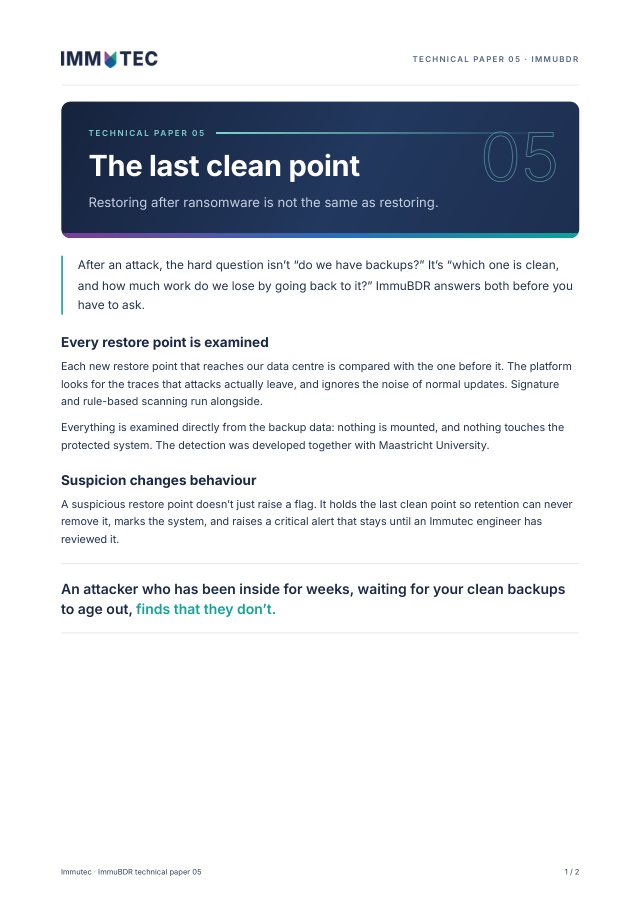
Technical paper 05 · Ransomware
Every restore point checked for signs of ransomware. A clean restore that brings you back without losing the work since.
Download PDF2 pages · 185 KB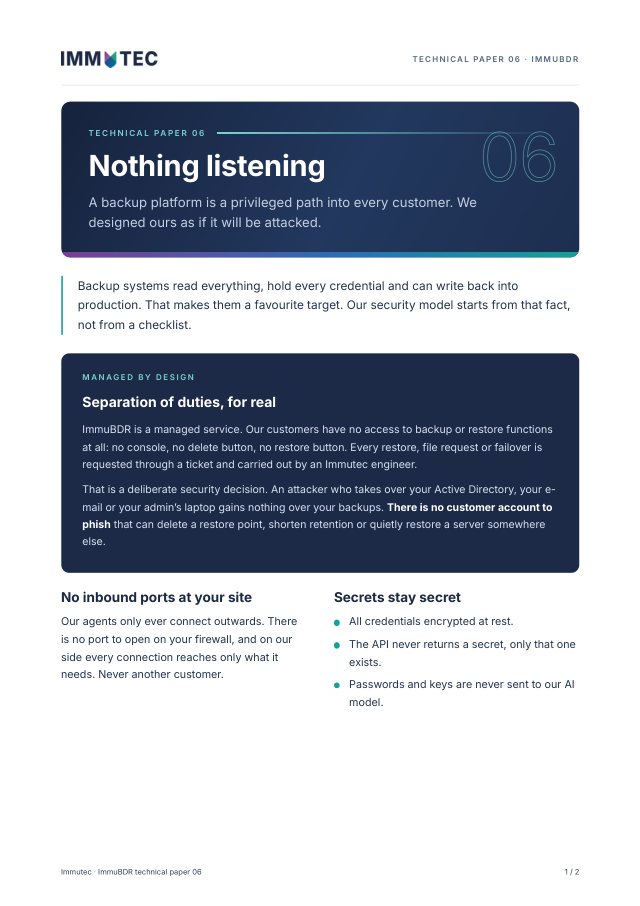
Technical paper 06 · Security model
A fully managed service with real separation of duties: customers have no access to backup or restore, so there is no account to phish.
Download PDF2 pages · 178 KB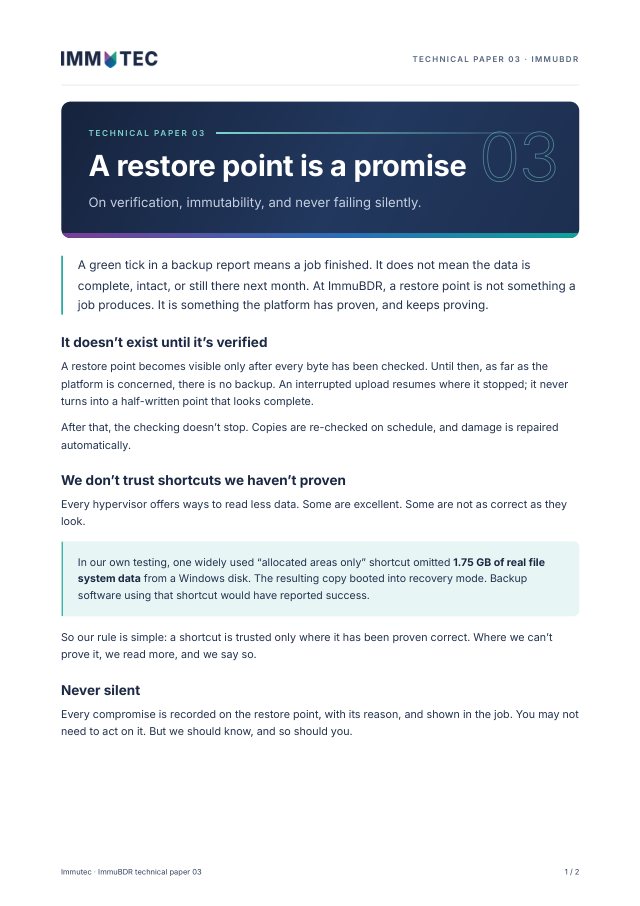
Technical paper 03 · Backup integrity
A restore point exists only after every byte is verified. Time-locked storage that nobody can release early, and no silent fallbacks.
Download PDF2 pages · 193 KBAfter an attack you decide when the business restarts. We give you evidence of which recovery point is safe, so you don’t go down a second time.
Help a client after an attack without pulling your whole team away from other work.
Something else? Call us on +31 (0)85 482 3400.
No, it supports it. We coordinate the recovery with your incident response, security and IT teams. Containment and clean-up are arranged separately.
Yes. Re-scanning finds known indicators in historical backups. Results depend on the indicators available, how far back your history goes and the scope of the scan.
We can narrow the window down and show the first signs in the available recovery points. How precise that is depends on backup frequency, retention and what the attack left behind.
Otherwise we go through your backup history with you and what we can find in it, before anything happens.